Make your TV a second Mac screen.

Drag a window off your laptop and, boing, it's on the TV about 65 ms later. Keep the video call big while you work on the small screen. No cables, no ads, no time limits.

Apple silicon and Intel Macs, with any Android TV or Google TV on the same Wi-Fi. Free and open source.

WOW!
How it works

A real extra screen, not a mirror.

macOS thinks you plugged in a monitor. It shows up in System Settings → Displays, and only what you put on it goes to the TV.

1

Your Mac grows a new screen

A 1280×720 display appears, ready for windows.

CGVirtualDisplay
2

Only that screen is filmed

Your main screen stays private.

ScreenCaptureKit
3

Squished into video

The Mac's video chip shrinks each frame in a blink.

H.264 · VideoToolbox
4

Zips over your Wi-Fi

If the TV falls behind, the Mac waits, so lag never piles up.

TCP on your LAN
5

The TV unsquishes it

Its own video chip draws each frame the moment it's ready.

Android MediaCodec
Two tiny apps

One lives in your menu bar. One lives on your TV.

On the Mac 1.5 MB

On the TV 97 KB

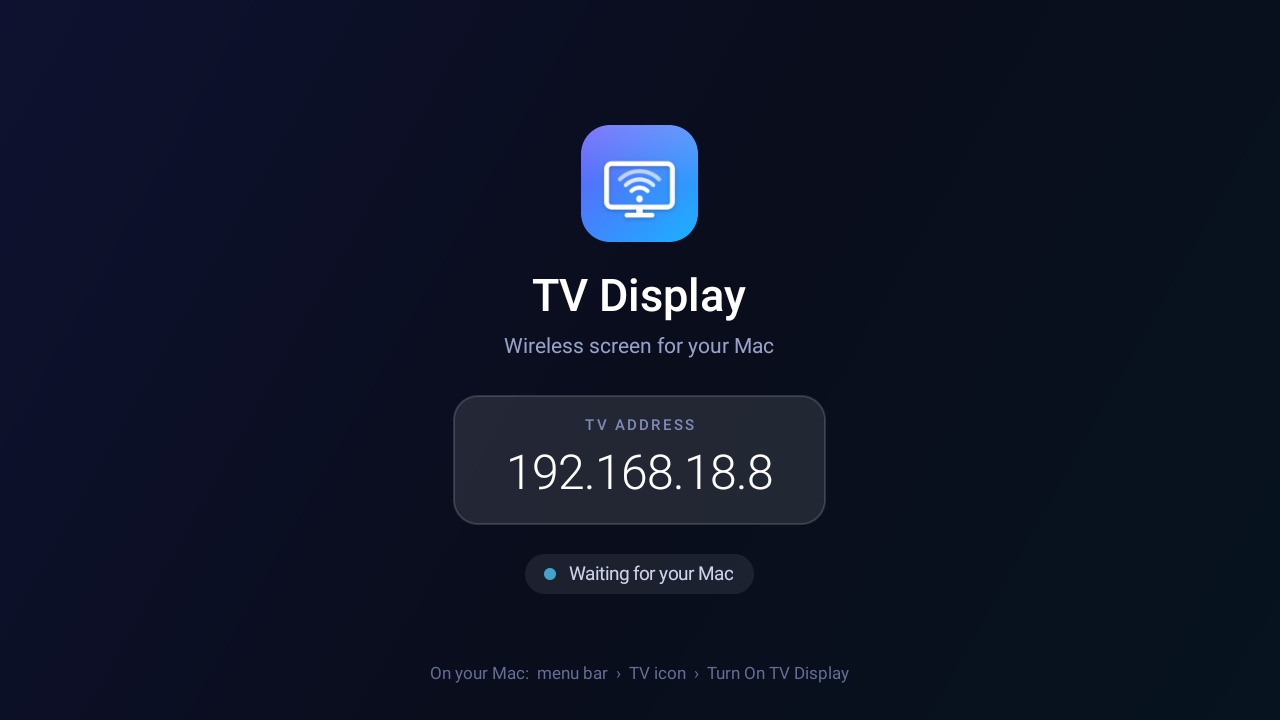
The TV Display app on a TV, showing the TV's address and 'Waiting for your Mac'
Numbers

Measured on a real TV, not promised.

65ms

from the Mac to the TV, typically

55fps

smooth enough for video calls

720p

matches most budget TVs

97KB

the whole TV app, no libraries

Measured from capture on the Mac to decoded on the TV, on a TCL Android TV (Realtek chip) over home Wi-Fi. Big screen changes take 80–86 ms; the TV panel adds about one frame on top. Tried it on another TV? Tell us how it runs.

720p onlyKeeps the TV's video chip fast and the picture smooth.
Same networkYour Mac and TV need to share a Wi-Fi or LAN.
Not notarized by ApplemacOS warns you once; the steps below get past it.
Sound on the TV needs macOS 14.2+Older Macs keep the sound on the Mac.
Install

Two apps, about five minutes.

first

On the TV

Android TV / Google TV 9 or later

  1. Install Downloader (by AFTVnews) from the Play Store on your TV.
  2. Open it and type this address:
    this-site/tv
    When asked, let Downloader install unknown apps, then choose Install.
  3. Open TV Display from your apps whenever you want to use it. Your Mac connects within a couple of seconds.
Prefer adb?

With developer options and network debugging on:

adb connect 192.168.1.20:5555
adb install TV-Display.apk

Download TV-Display.apk (97 KB)

then

On the Mac

macOS 14 Sonoma or later

  1. Download the .dmg and drag TV Display into Applications.
  2. Open it. macOS says it can't check the app: click Done, then go to System Settings → Privacy & Security and click Open Anyway. Or, in Terminal:
    xattr -dr com.apple.quarantine "/Applications/TV Display.app"
  3. It finds your TV by itself. Allow it to find devices on your local network and to use Screen Recording when macOS asks.
  4. The TV icon fills in when it's streaming. Drag a window onto the new screen. Boing. Text too small from the sofa? Menu bar → Text Size → Larger.